A real-time audio visualizer that runs in the terminal. Built with Rust using cpal for audio capture and ratatui for rendering. A companion Swift binary handles system audio capture via ScreenCaptureKit, so you can visualize whatever’s playing on your Mac — Apple Music, Spotify, YouTube, anything.
Four visualization modes: spectrum bars with logarithmic frequency binning, a waveform plot, a zero-crossing-triggered oscilloscope, and a stereo mode that mirrors left and right channels above and below a center line. Press m to cycle through them.
The spectrum uses an 8192-point Hann-windowed FFT with logarithmic frequency binning (more resolution in the bass, less in the treble). Bars have gravity-based fall-off — they snap up instantly but fall with acceleration, giving a natural decay feel. An auto-sensitivity system tracks the rolling peak and normalizes the display so it uses the full height regardless of volume.
Features
- Spectrum — frequency bars with 1/8th-cell precision via Unicode block characters, color gradient interpolation, and gravity
- Waveform — amplitude plot drawn as line segments on a canvas
- Oscilloscope — zero-crossing triggered waveform for stable display
- Stereo — dual-channel bars growing up (left) and down (right) from center, with half-cell precision
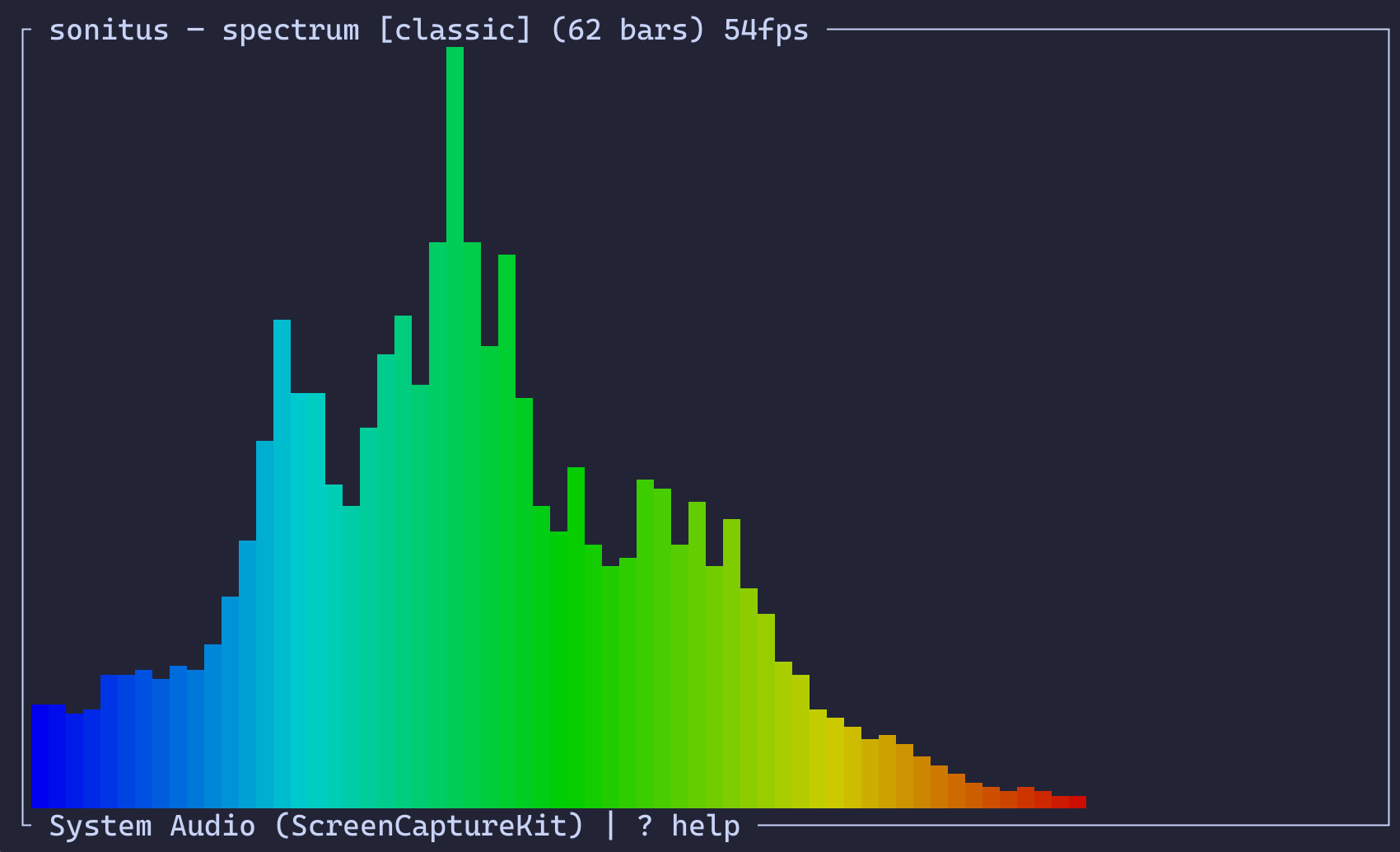 | 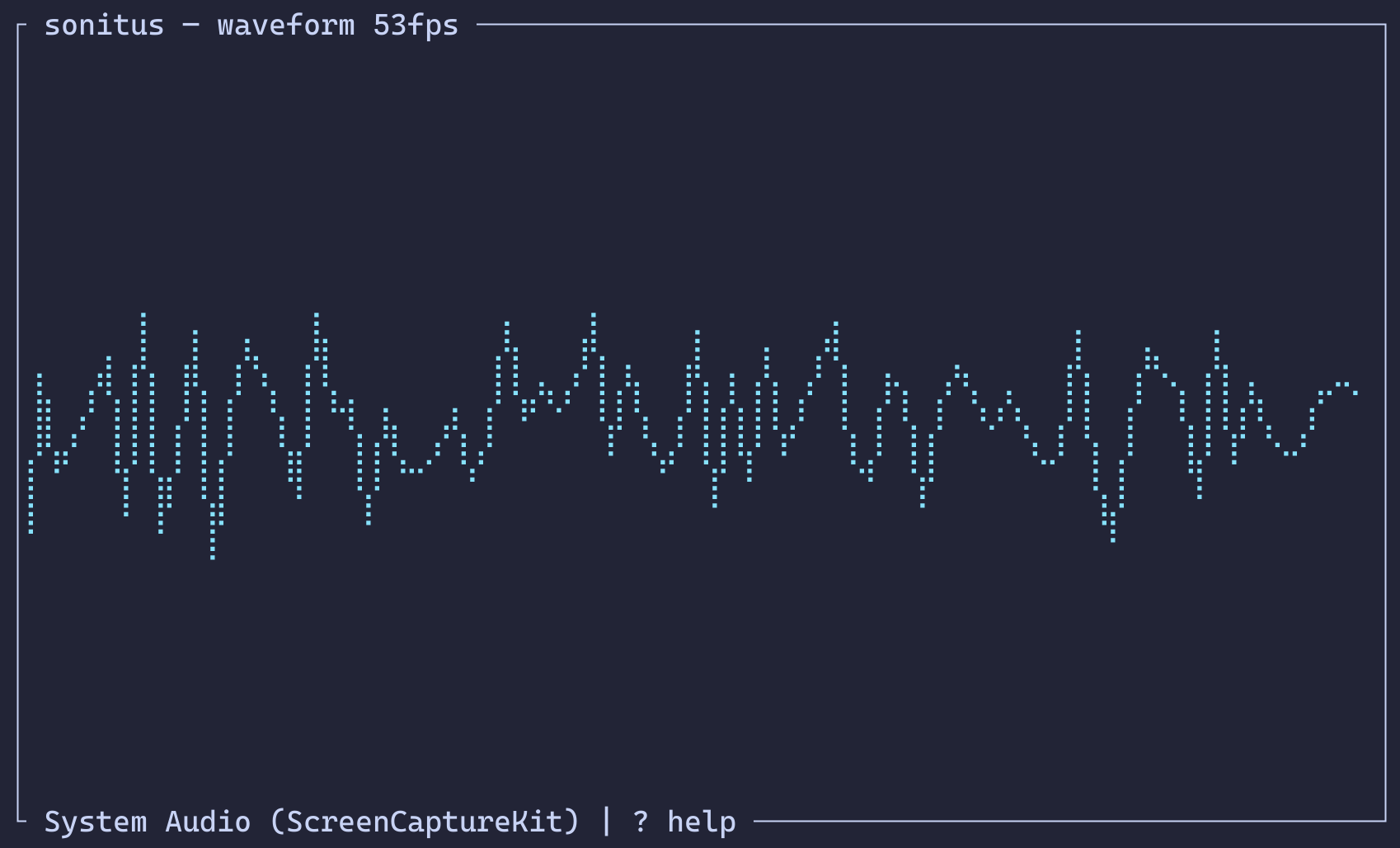 |
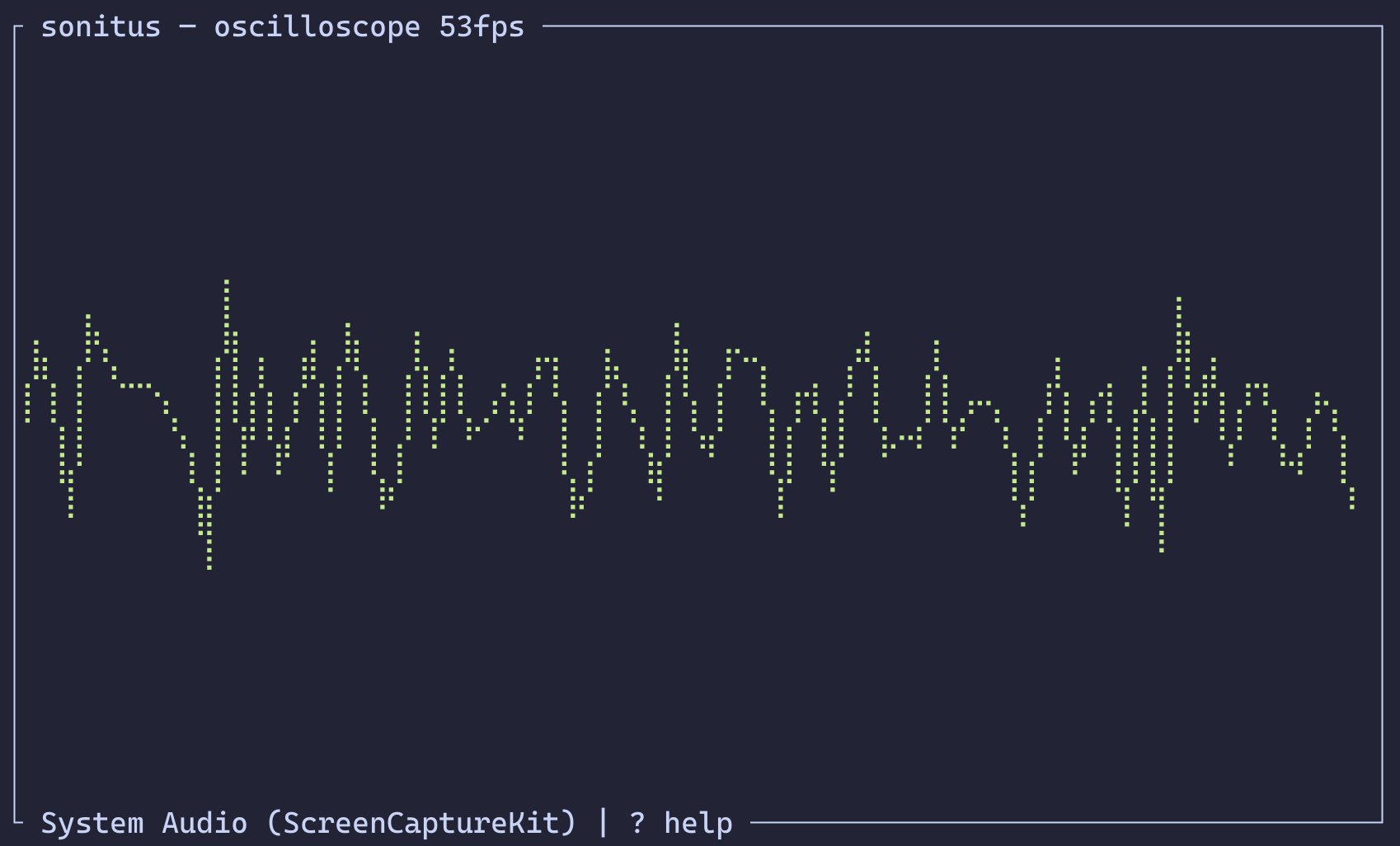 | 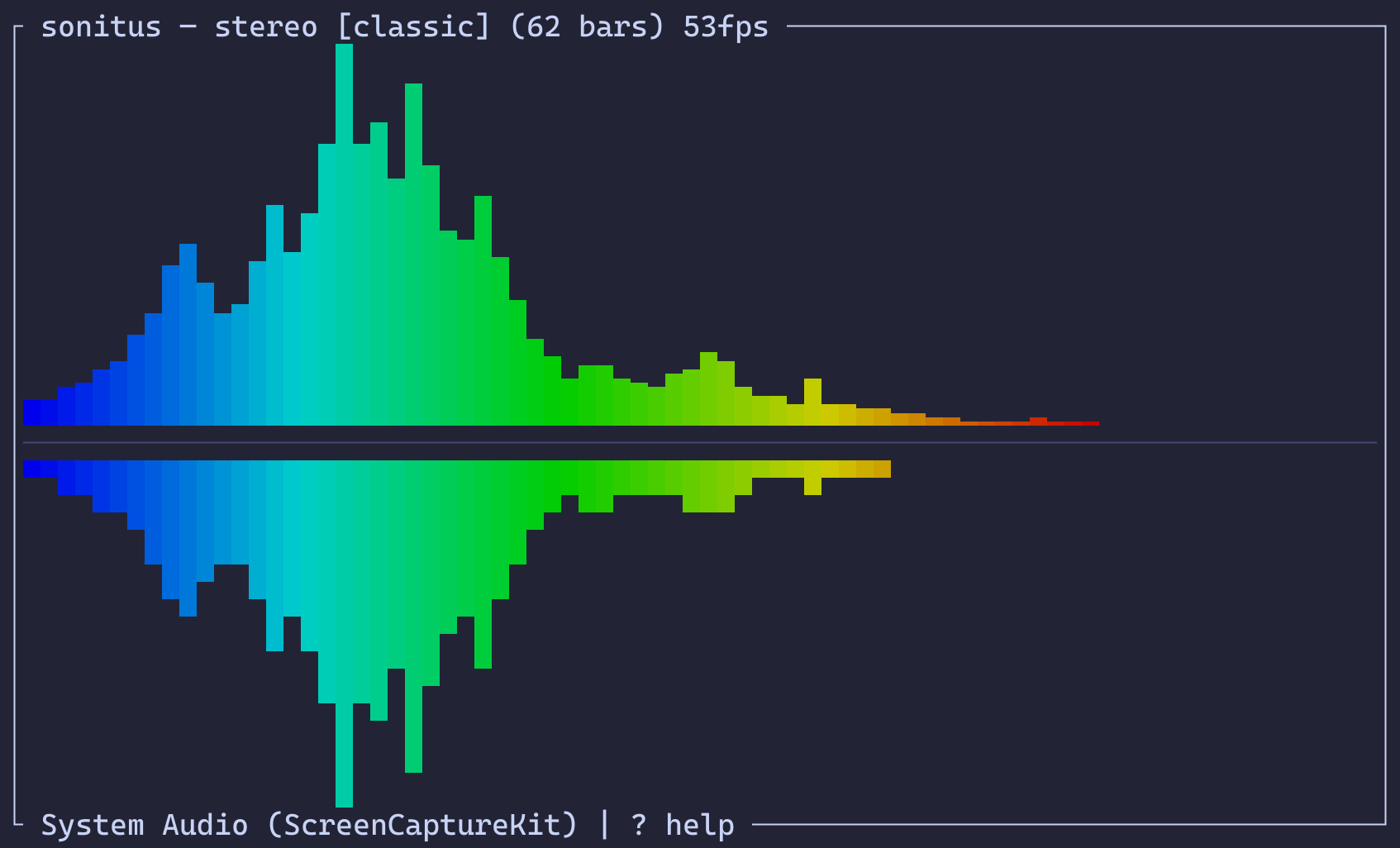 |
- 7 themes — classic, fire, ocean, purple, matrix, synthwave, mono
- Settings menu — smoothing, monstercat envelope, noise gate, gradient mode — all persisted to
~/.config/sonitus/config.toml - Device switching — swap between mic input and system audio at runtime
- Monstercat smoothing — connects bar tops in a smooth curve with exponential falloff
Architecture
Two-process design. The Rust binary handles everything visual: CLI parsing, FFT analysis, smoothing, and terminal rendering at 60fps. The Swift binary (sonitus-tap) only captures system audio — it uses ScreenCaptureKit to grab the system audio stream, mixes to mono, and writes raw f32 samples to stdout. The Rust side spawns it as a subprocess and reads from its stdout.
Audio data flows through shared ring buffers (Arc<Mutex<Vec<f32>>>) — one mono buffer for spectrum/wave/scope modes, plus a stereo pair for the stereo visualization. The render thread reads these each frame, runs the FFT, bins and smooths the results, and draws.
Key bindings
| Key | Action |
|---|---|
m | Cycle mode |
d | Select audio device |
t | Select color theme |
s | Settings menu |
Up / + | More bars |
Down / - | Fewer bars |
? | Help |
q / Esc | Quit |